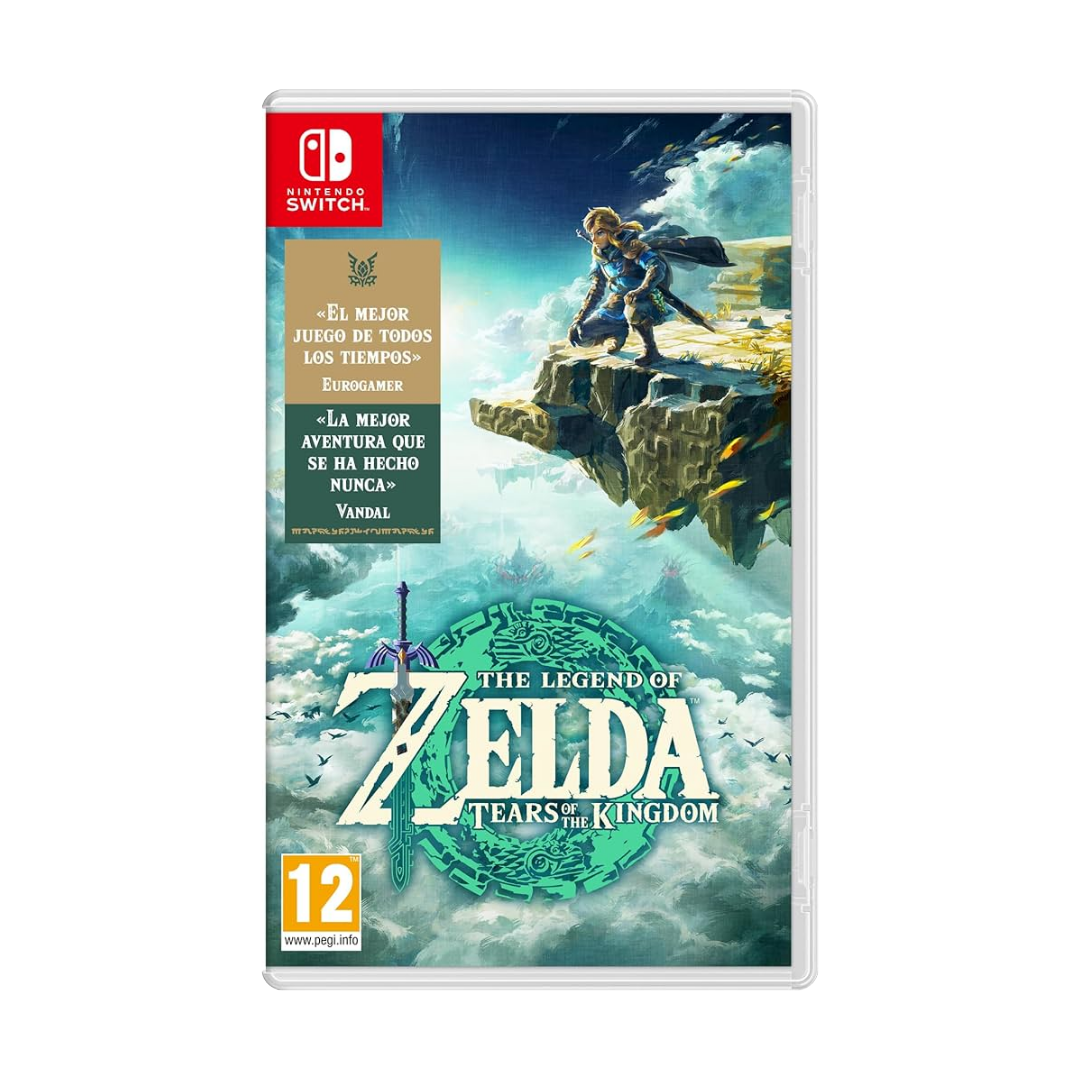
Description
How to Redeem a Nintendo eShop Download Code Online
-
A Nintendo Account is required to redeem download codes online.
-
You must first access the Nintendo eShop on Nintendo Switch using your Nintendo Account at least once.
What to do
-
Using a browser, visit ec.nintendo.com/redeem/#/
-
Select Sign in and enter your Nintendo Account e-mail address and password, and then select Sign in again.
-
If you are already signed in, review the user name in the top-right corner to confirm you are signed in with the correct Nintendo Account
-
-
Enter your 16-digit download code and then select, Next
-
Re-enter your Nintendo Account password when prompted, then select Redeem to complete the process.
-
A confirmation e-mail will also be sent to the e-mail address registered to your Nintendo Account once this process is completed.
-